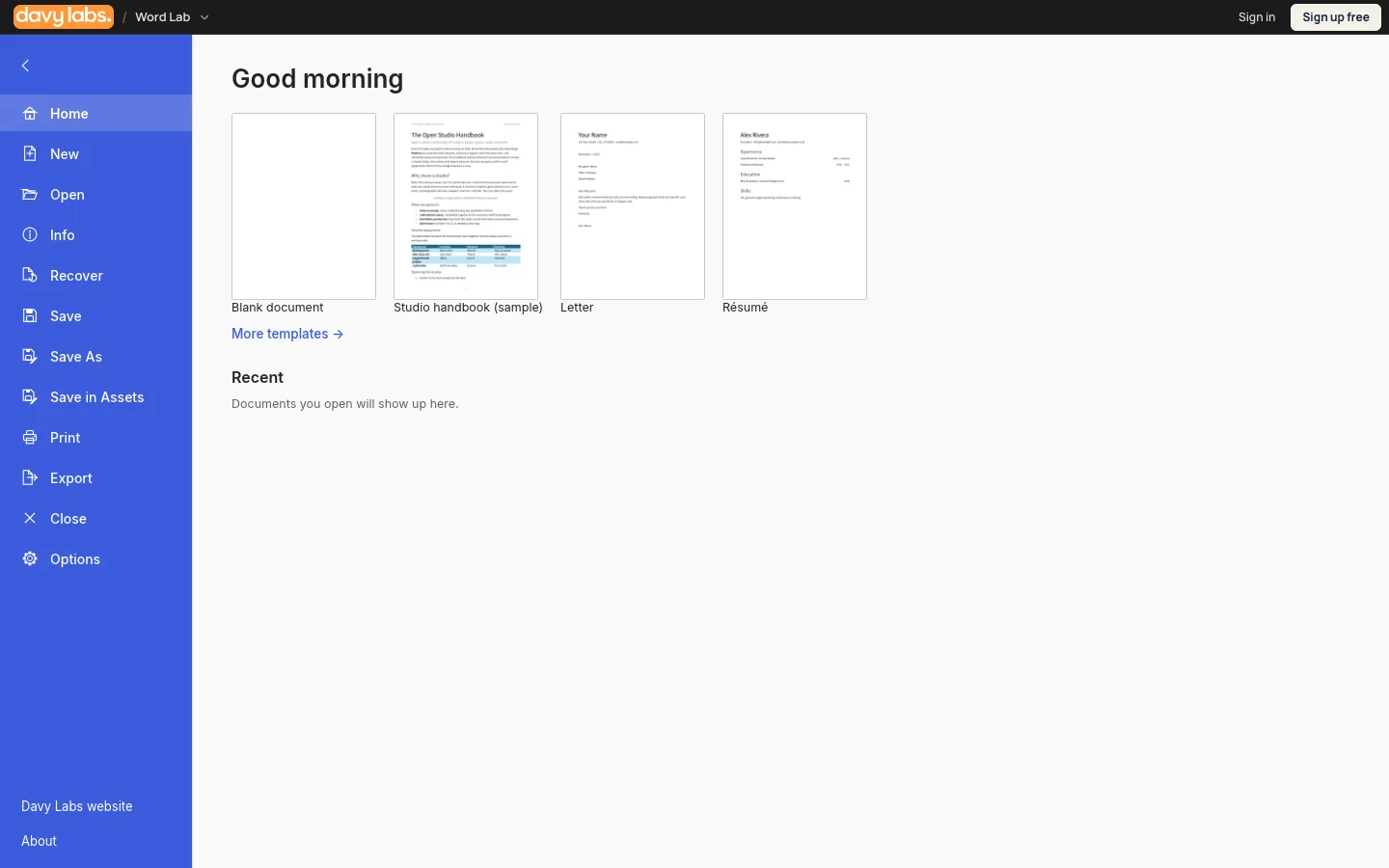
WordSeed
Write letters, reports and everyday documents with WordSeed, a free browser alternative to Microsoft Word.
FREE CORE TOOLS · BROWSER BASED
Create slide presentations with PowerSeed, a free browser alternative to PowerPoint for pitches, lessons and reports.
Editor designed for desktop browsers. No software subscription.
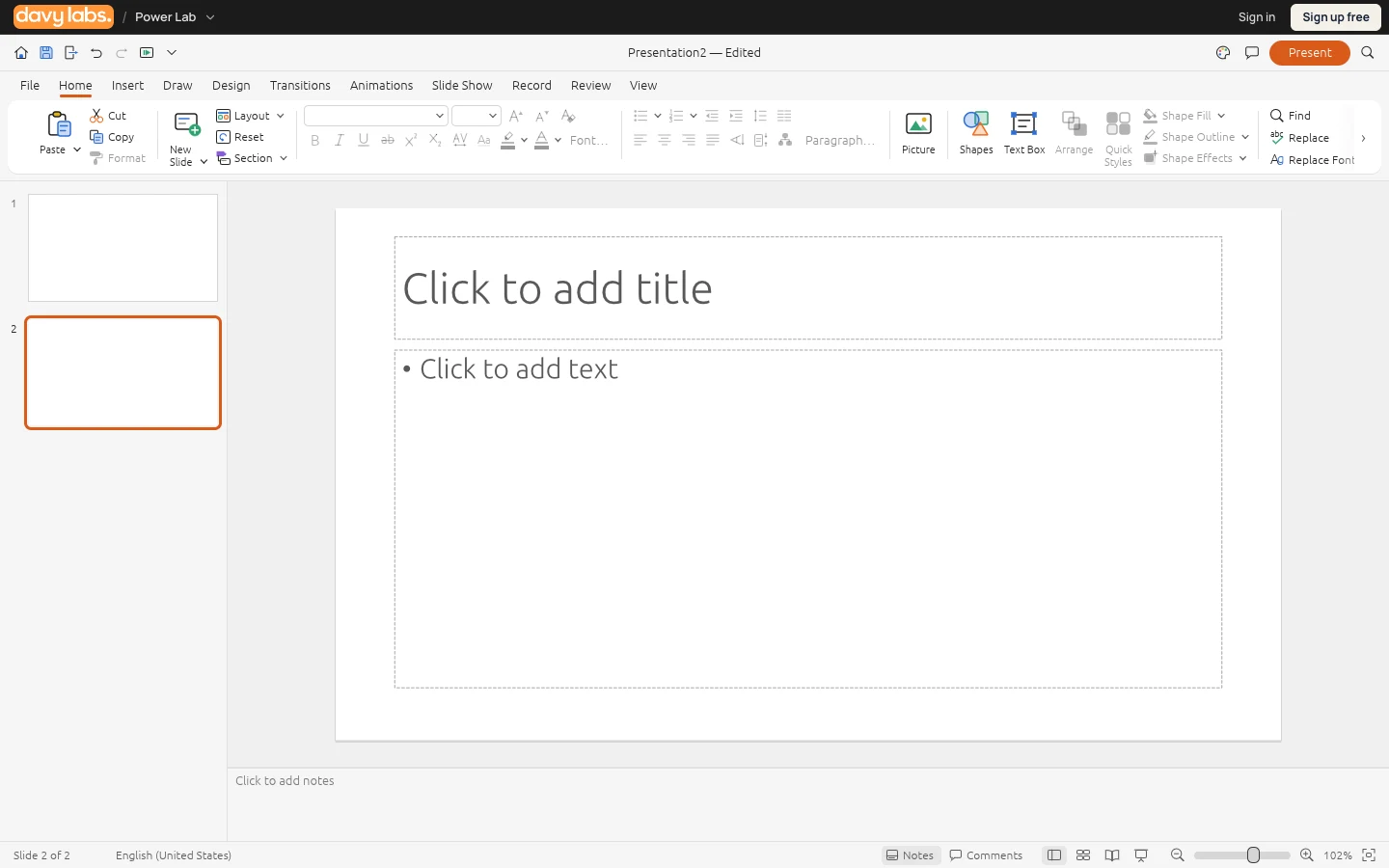
Start a deck, arrange one idea per slide and save a presentation copy for review.
Support depends on the file and the editor version. Keep an original and check the result.
Animations, embedded media and fonts can behave differently across presentation tools. Review the complete deck before presenting.
Choose this tool when its workflow and file support fit your project. It does not promise every feature, plug-in or service offered by Microsoft PowerPoint.
Use the core tools for free. Optional AI Studio can generate images, video, audio and 3D assets through available models. AI assistance and cloud services use your wallet; generation prices vary by model.
Yes. Core editing is free without a software subscription. Optional AI assistance, cloud generation and cloud storage use paid wallet credits.
PowerSeed is a separate tool for related workflows. Animations, embedded media and fonts can behave differently across presentation tools. Review the complete deck before presenting. It is not affiliated with or endorsed by Microsoft PowerPoint.
You can open the editor in a supported desktop browser. Most editors are designed for a larger screen; this information page is also available on phones.
You can read these public app details without signing in. Sign in or create an account to use the editor; the core tools remain free.
Files are stored in this browser first, with export and optional cloud backup available. Keep downloaded backups of important work; clearing browser data can remove local files.
Write letters, reports and everyday documents with WordSeed, a free browser alternative to Microsoft Word.
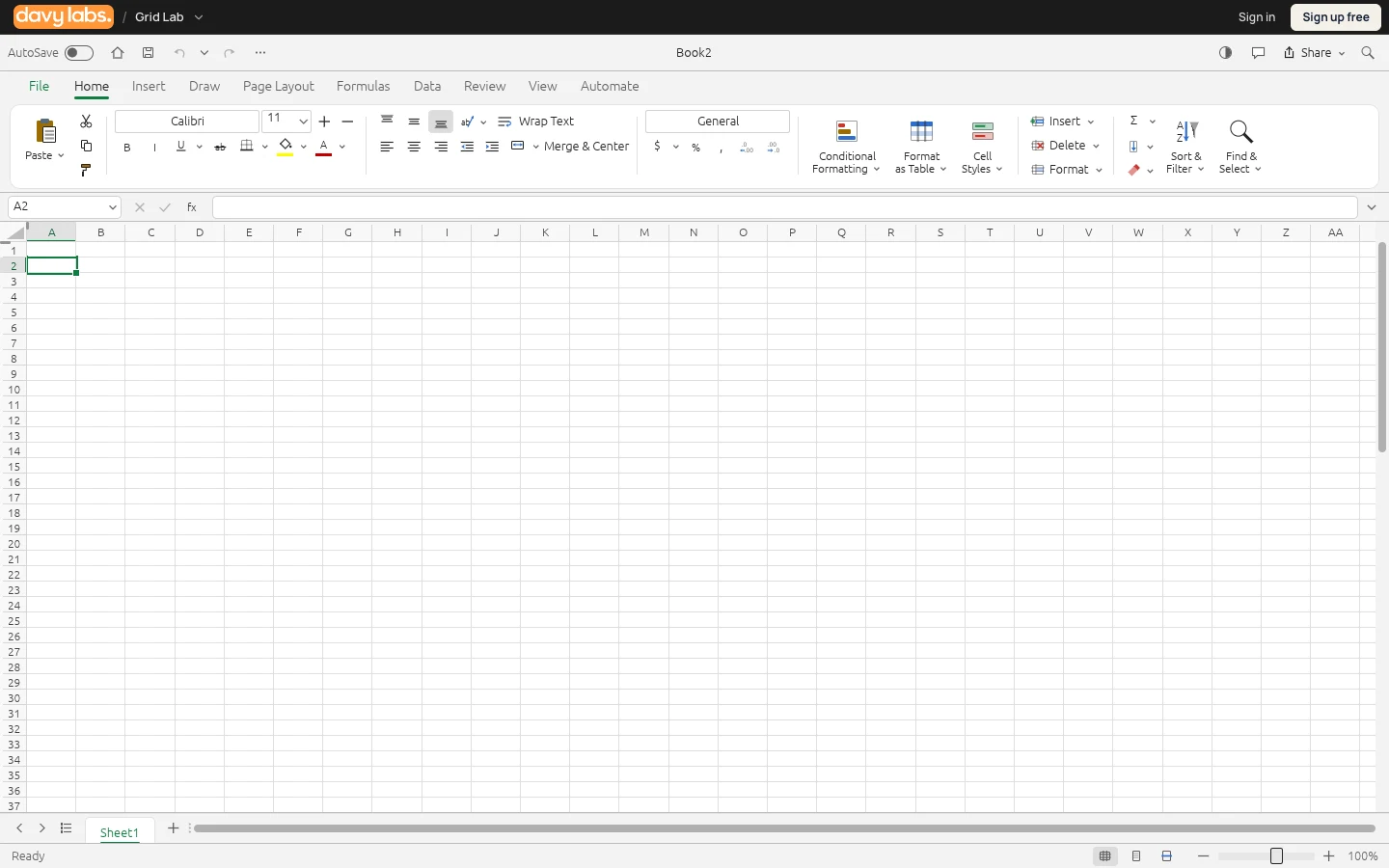
Organise data, calculate with formulas and create charts in GridSeed, a free browser alternative to Microsoft Excel.
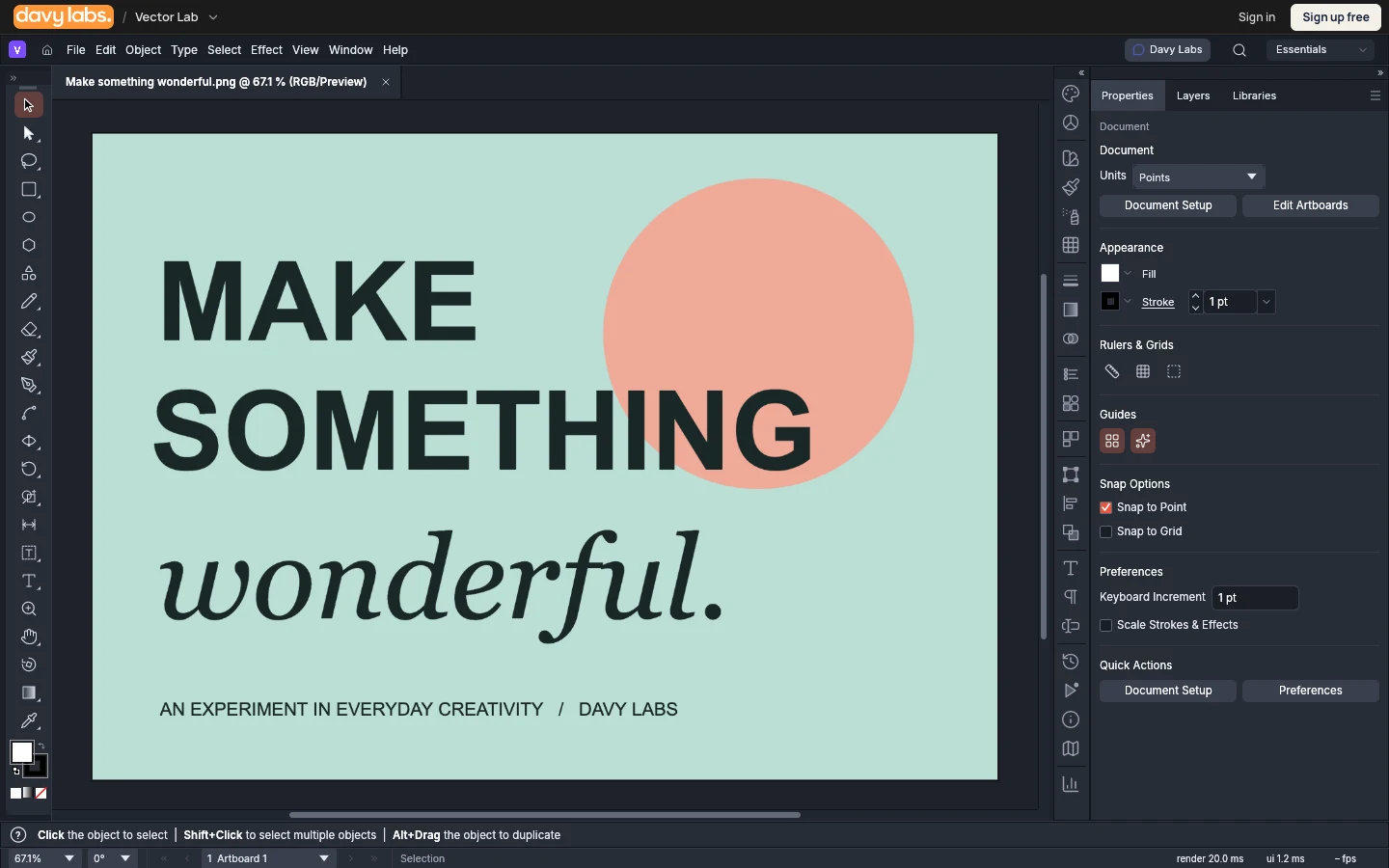
Draw logos, illustrations and scalable artwork in VectorSeed, a free vector graphics editor that runs in your browser.